
POS for cosmetics and makeup shops
Every shade with its barcode and quantity, every box with its expiry date, every brand with its sales, so you reorder before a customer has to ask.
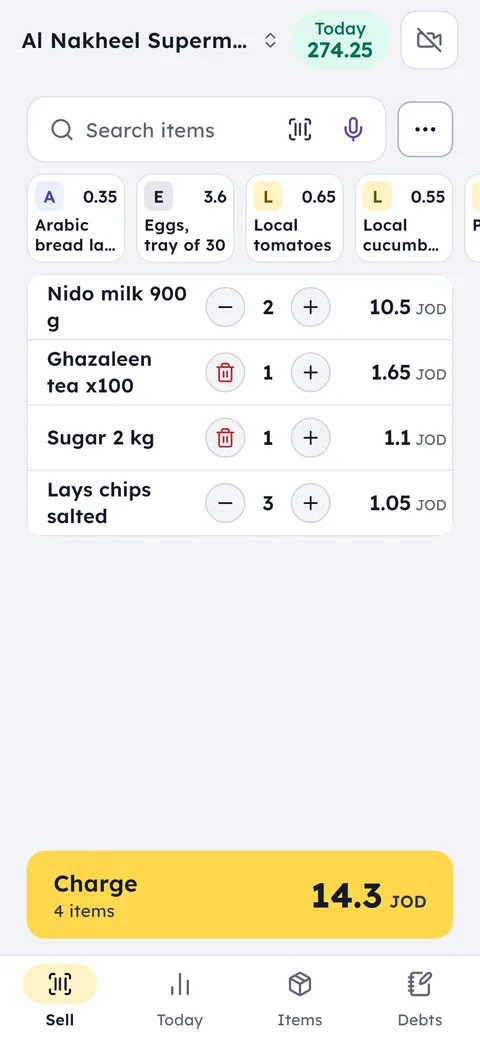
Your day with Ghalleh
- 10:00Opening upSee the products close to expiry, and the shades down to their last one or two.
- 13:30A customer looks for her shadeYou scan the barcode on the empty she brought in, and the product comes up with its shade and the quantity on the shelf.
- 18:00Alert: big discountYou're notified that a staff member gave 25% off a bill, with her name and the invoice number.
- 22:00Evening closeSee today's sales and profit, and which brand sold most this week.
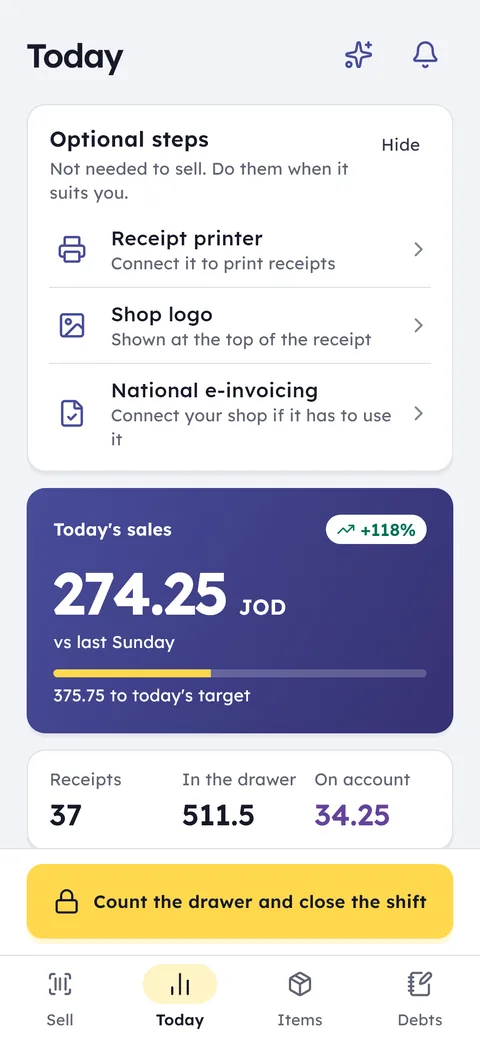
With Ghalleh
- Every shade with its barcode and quantity, and an alert when one runs low
- An expiry date on every product, with what's expiring soon in view
- Brand as a product category, so you see its best sellers and its slow ones
- Discount rights for the people you choose, and an alert for every big one
Shades and colours
Create the product once with all its shades under it, each with its own barcode, price and quantity.
Expiry dates
Record expiry dates on creams, fragrances and makeup, and sell the nearest-to-expiry first.
Offers and discounts
A discount on an item or on the whole bill, with permissions that decide who can give one.
Loyalty points
Customers collect points on every purchase, so next time they come back to you.
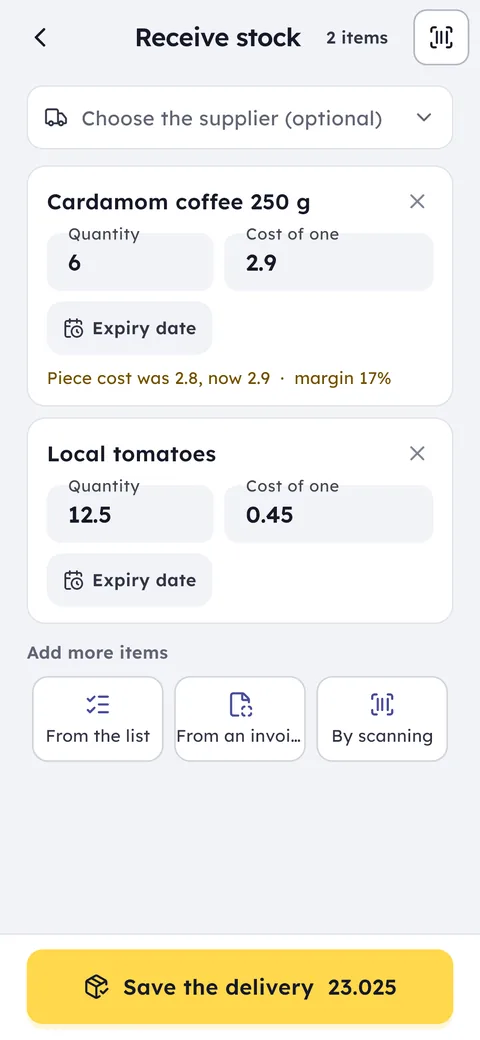
Receiving stock in Ghalleh: quantity, unit cost and expiry date for each item
Common questions
Questions about the free trial, the PC version and prices are answered in the FAQ and on the pricing page. Looking for free POS software? Here is what you get free and what you pay for.
I have thousands of products in shades. Do I add them one by one?
No. Import the list from an Excel file with names, shades, barcodes and prices in one go, then edit what you need.
Can I see sales by brand?
Yes. Make the brand the product's category, and you see its best sellers, the products that haven't sold for a while, and its stock value at cost.
Can I stop staff from giving big discounts?
Yes. Set permissions for each staff member, so only the people you choose can discount. Every big discount is saved in the activity log and reaches your phone.
Open your shop on Ghalleh today.
Download the app, set up your shop yourself and try every feature free for 14 days, with no card.