
The clothing shop guide
A clothing shop system starts with the style
The classic mistake in clothing shops is entering every size as a separate product. The list grows to thousands of lines and you can't tell how many of one style you actually sold. In Ghalleh you create the style once with its name, price, cost and photo, then add its sizes and colours.
A shirt in four sizes and three colours becomes twelve options under one style, each with its own quantity. Shoe shops work the same way: one style, sizes 36 to 46 underneath. You see the whole style's sales and, at the same time, which size has sold out and which colour is still on the rail.
- Name colours the same way every time: navy is navy on every style, never navy on one and dark blue on another
- Enter sizes from smallest to largest so staff can read them at a glance
- When a full season's stock arrives, import the styles from Excel instead of typing them
A barcode for every size and colour
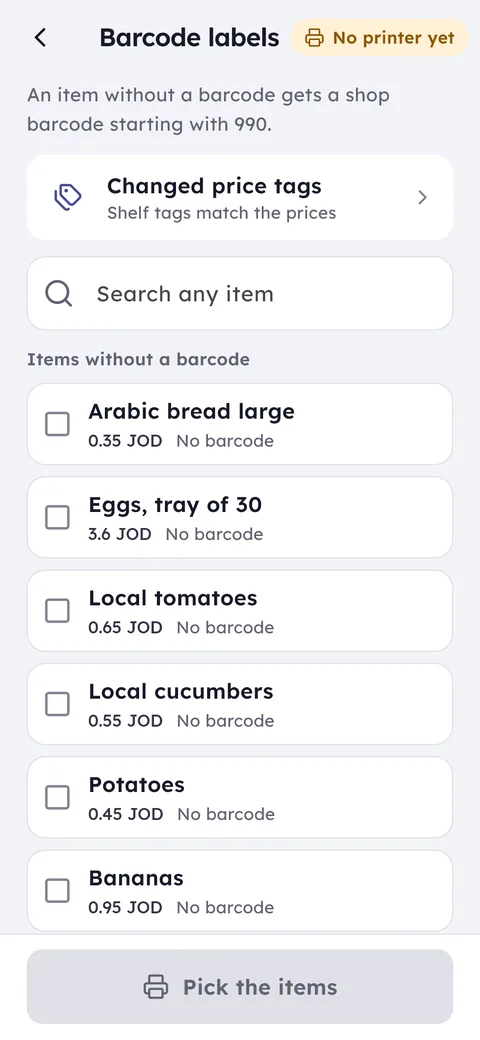
If pieces arrive with a factory barcode, scan it when you add the stock and it links to the right size and colour. If they arrive without one, give each option its own code in Ghalleh and put it on the swing tag.
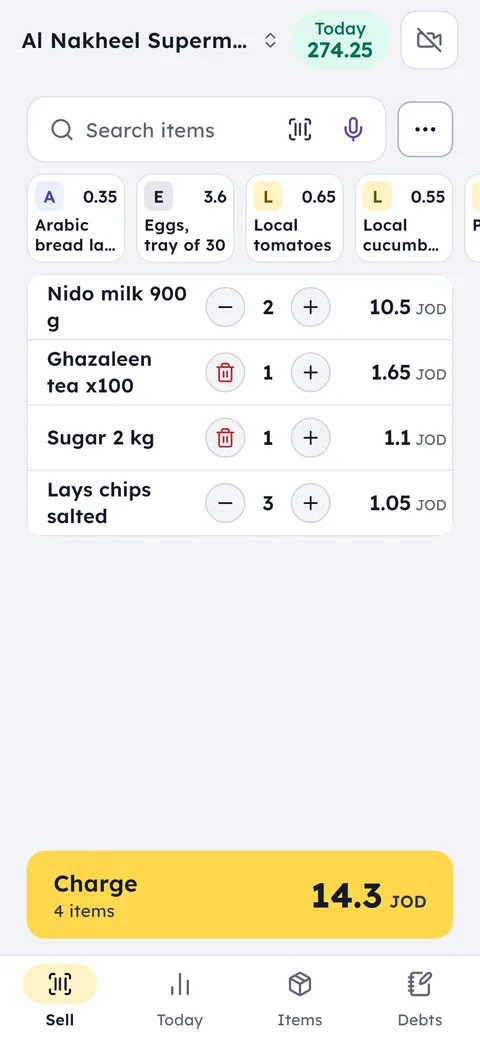
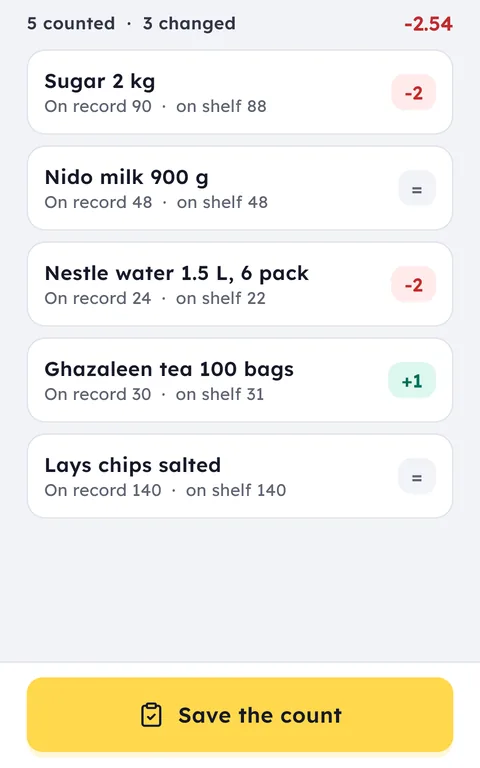
At the counter, staff scan the tag with the phone camera or a scanner, so the size and colour that actually sold leave stock, not whatever was tapped in a hurry. On stocktake day you scan rail by rail and every difference shows up per size and colour.
Seasonal sales without price chaos
Jordan's selling seasons are well known: Eid al-Fitr, Eid al-Adha, back to school and the start of winter. Every season leaves stock that needs marking down. Before you pick a discount, open the list of items unsold for 14 days and your stock value at cost, so you know how much of your money is sitting on the rails.
When you change a style's price, the new price reaches every till at the same moment, so nobody sells at the old one. If you prefer an invoice discount, like money off the second piece, staff apply it from the sales screen and you see profit after discounts at the end of the day.
Exchanges in JoFotara: a return, then a new invoice
Many clothing shops in Jordan exchange items but don't give money back. In Ghalleh you open the original invoice and tap Exchange: the piece goes back to its size and colour, and a new sale starts with its value. If the new piece costs more, the customer pays the difference in cash, by card or by CliQ; if nothing fits today, the amount stays with the shop as their credit.
In JoFotara the exchange is recorded as it happened: the returned piece goes as a credit note against the original invoice, with exchange as the reason, and the new piece is a new invoice with its own QR code. You never cancel or edit an invoice by hand.
Cash refunds are what you want to control, so give refund permission to the manager only and keep selling open to staff. Every refund an employee records reaches you as a notification with their name and the amount.
Clothing store POS for sales staff and shifts
In a clothing shop staff sell, and many shops pay commission on it. Ghalleh shows sales per employee for every day, so commission comes from a clear number instead of a guess.
Staff clock in and out from their own phone, and only inside the shop's location. You see the shift schedule and who is working right now. In Eid weeks, when the shop stays open past midnight, the hours arrive ready for payroll, along with any salary advances each person took.
Clothing shop accounts and management
A clothing shop makes its money on the styles that sell at full price and loses it on the ones that wait for the sale. So Ghalleh works out profit from what each piece cost on its purchase invoice, not from a rough average, and at month end you see which supplier and which style the profit came from.
In the same place: what you owe each factory and supplier, what customers paying in stages owe you, and shop expenses such as rent and electricity. At month end you hand the accountant a PDF with sales, purchases and a tax estimate.
- Stock value on the shelves at cost, for each branch
- Styles unsold for 14 days, before you decide the sale
- Sales per salesperson, for their commission
Your regular customers
The customer who buys from you every season is worth knowing. Give her a profile and she collects loyalty points with every purchase to use on her next visit.
If you sell to some customers on account, like an abaya or an occasion suit paid in two parts, the debt sits on their profile with a due date. Partial payments are recorded as they come in, and the customer gets their statement and a balance reminder on WhatsApp.
Reorder from the factory at the right time
In clothing a style rarely sells out all at once. The popular sizes go first: medium and large disappear while extra small and extra large stay. Because every size and colour has its own count, you see what each style is missing before a customer asks, not after they leave empty-handed.
When you reorder, send the supplier order from Ghalleh with the sizes and quantities you actually need. When it arrives, enter the purchase invoice: quantities and cost update and the amount is added to what you owe that supplier. At the end of the season you know what you paid each factory, how much of their stock sold, and what is still on the rails.