
Roastery POS, from a quarter kilo of coffee to a bag of spice
Every item has a price per kilo, the weight sets the amount, and ready bags scan by barcode on the same bill.
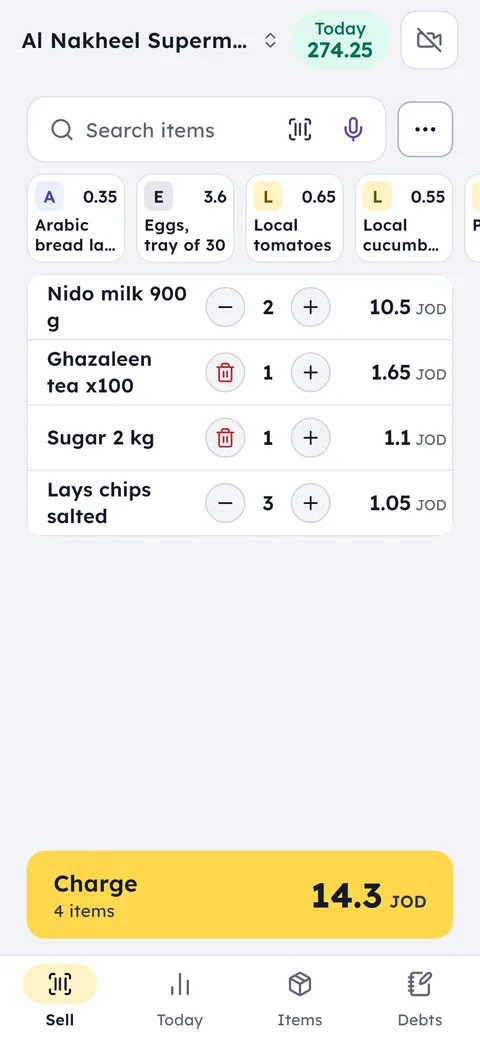
Your day with Ghalleh
- 08:00Morning roastYou add the coffee you roasted today to stock by the kilo, before the first customer walks in.
- 11:20Hosting guests tonightA customer wants half a kilo of coffee and a quarter kilo of three kinds of nuts, and the bill adds up every weight in seconds.
- 17:00Alert: cardamom running lowThe alert comes with the days of stock left and a suggested quantity, so you order before Thursday.
- 22:00Evening closeSee the best sellers, profit per item, and anything that hasn't moved in 14 days.
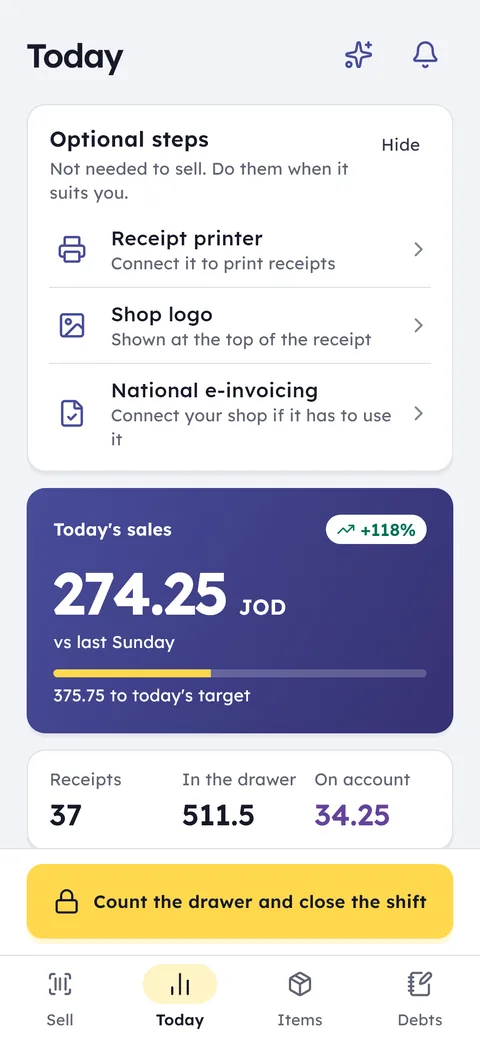
With Ghalleh
- Every item's price per kilo saved, nothing to memorise
- Type the weight and the amount follows, a quarter or a half
- Stock by the kilo, with an alert before an item runs out
- Purchase invoices update cost, so you see profit per kilo
Sell by the kilo
A price per kilo on every item, enter the weight and the bill prices it, from a quarter kilo to two.
Selling units
The same item loose by the kilo or as a ready bag with a barcode, each unit with its own price.
Fast name search
Type "cashew" or "cumin" and the item comes up with its price, no scrolling through long lists.
Best sellers
See what's selling this week, and what hasn't moved in 14 days.
By the gram
Sell 250 grams of coffee or 100 grams of cardamom, and stock comes off by the same grams.
Sell by amount
A customer asks for a dinar's worth of coffee: type the amount and Ghalleh works out the weight from the kilo price.
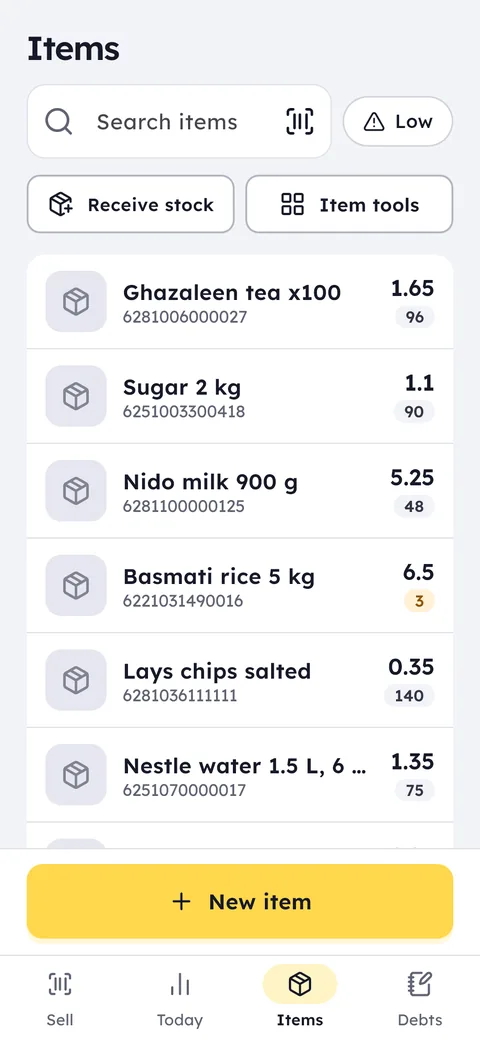
The Ghalleh items screen: every item with its price, barcode and the quantity left
Common questions
Questions about the free trial, the PC version and prices are answered in the FAQ and on the pricing page. Looking for free POS software? Here is what you get free and what you pay for.
Can I sell a quarter kilo or less?
Yes. The item is priced per kilo, and you type any weight, like 0.250 or 0.125, and the bill works out the amount.
I sell coffee loose and in ready bags. How do I set that up?
Give the item two selling units: the kilo for loose coffee, and the ready bag with its own barcode and price. Every sale comes off stock correctly.
I grind coffee and add cardamom to order. How do I record that?
Give the coffee sizes and add-ons in the item details: the grind, and cardamom at its price. The seller picks them at the sale, and they show on the bill and in its price.
Open your shop on Ghalleh today.
Download the app, set up your shop yourself and try every feature free for 14 days, with no card.