
Free printable invoice generator
A simple invoice with your shop's name and items in Jordanian dinars, to print or save as PDF. A JoFotara invoice is issued on the portal or by a POS connected to the system.
Invoice generator
A simple printable invoice, not an e-invoice sent to JoFotara.
Formula: Total = sum of (quantity × unit price) × (1 + tax rate)
How to use it
Your shop name and address, the customer's name, and the invoice number and date.
Name, quantity and unit price for each line, and a tax rate if you charge one. Totals work themselves out.
Print it on paper, or choose Save as PDF in your browser's print window to send it.
This tool makes a simple paper invoice: for a stall at a weekend market, a home business, or a small shop that needs a tidy document to hand over. Example: two units of an item at 4.500 JOD = 9.000 JOD, plus one item at 12.000 JOD, for a subtotal of 21.000 JOD. Add 16% tax and the tax is 3.360 JOD, for a total of 24.360 JOD. The tool does the totals; you check and print.
Be clear on one thing: this is not a JoFotara e-invoice. It is not sent to the Income and Sales Tax Department and does not carry the national system's QR code. If your business is registered and required to issue e-invoices, you need software that sends every invoice to the system. Use this tool for quotes, simple sales receipts, or any case where an e-invoice isn't needed.
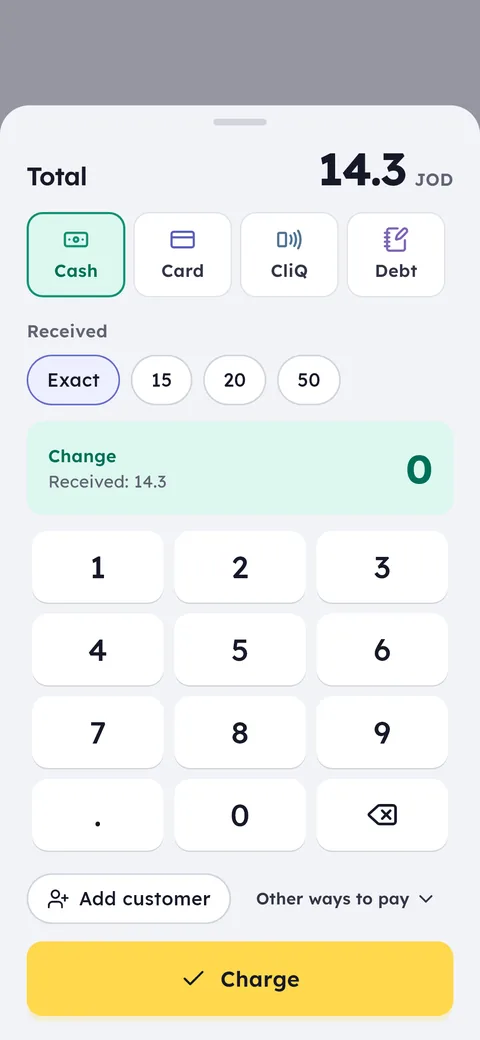
When you need invoices that reach JoFotara, Ghalleh sends every sale automatically and prints the QR code on the receipt.
Common questions
Is this a JoFotara e-invoice?
No. It's a simple printed invoice. It is not sent to the national e-invoicing system and has no JoFotara QR code. If you are required to issue e-invoices, use software connected to JoFotara.
How do I save the invoice as a PDF?
Click print, then choose Save as PDF from your browser's list of printers. The file is saved to your device and you can send it to the customer.
Should I add sales tax to the invoice?
Only if you are registered for sales tax and actually collect it from customers. If you're not sure, leave the rate at zero and ask your accountant.
Open your shop on Ghalleh today.
Download the app, set up your shop yourself and try every feature free for 14 days, with no card.